Website page layout tips for clearer paths to booking
Website page layout tips to help local service businesses make booking easier with clearer sections, mobile-friendly pages, and trust cues.
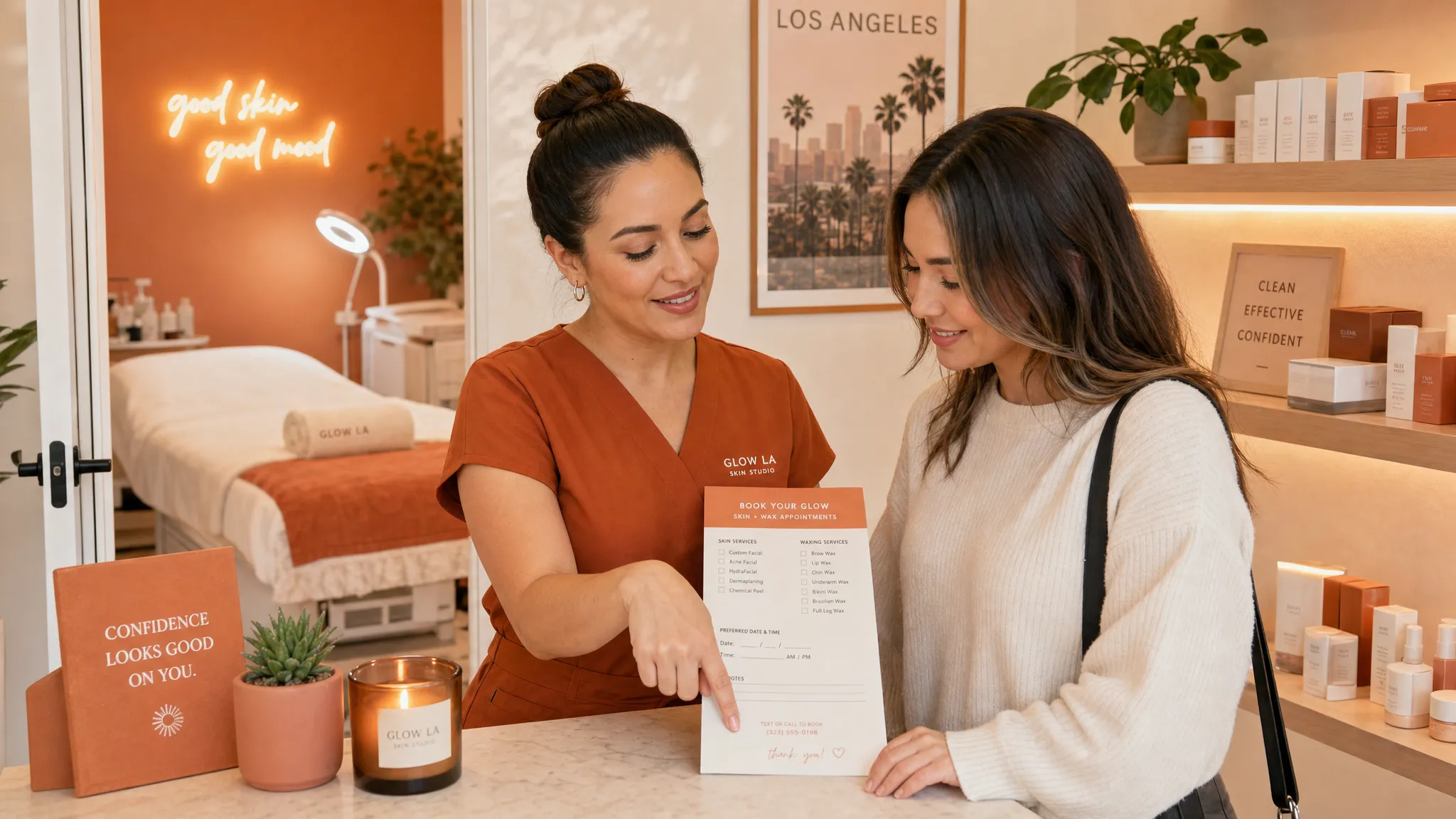
A pretty website can still make people work too hard. If a new client lands on your site and has to hunt for your services, prices, location, or booking button, there is a good chance they will put it off and keep scrolling.
For local service businesses, the goal of your website page layout is simple: help someone understand what you do, feel comfortable with you, and book without confusion. That matters whether you run a waxing studio in Echo Park, a lash salon in West Hollywood, a skincare room in Sherman Oaks, or a private training gym in Los Angeles.
The good news is that you do not need a complicated site to make the booking path clearer. You need the right information in the right order, with enough breathing room for people to make a decision.
A clear website page layout starts with one main next step
Before you move sections around, decide what you want the page to help someone do.
For most local service businesses, the main next step is booking an appointment. Sometimes it is requesting a consultation, joining a waitlist, buying a class pack, or asking a question. But if your page tries to do all of those things at the same time, the layout can start to feel messy.
A simple rule helps: each important page should have one main action. Your home page can introduce the business and point people toward booking. A service page can explain one service category and invite people to book that service. A sales page can focus on one offer, package, workshop, or launch.
If you are promoting one specific service or offer, a focused page may be enough. This guide to service landing page design that makes booking feel easy explains when one page makes more sense than a full website.
Build the page in the order a client naturally thinks
A clear layout follows the questions a real client has before booking. They usually do not start with your full story. They want to know what you do, whether it is for them, how much it might cost, where you are, and whether they can trust you.
Here is a simple layout that works well for service businesses that take appointments online:
| Page section | What it should answer | Layout tip |
|---|---|---|
| Top section | What do you do, where are you, and who is it for? | Keep it short and put a booking button nearby. |
| Services preview | What can I book? | Show the main service categories before deep details. |
| Service details | What happens during the appointment? | Include length, starting price, and who it is best for when you can. |
| Trust section | Can I feel good about booking here? | Add reviews, real photos, credentials, or client results you are allowed to share. |
| About section | Who will I be working with? | Keep it warm and brief, with a photo if possible. |
| Location and policies | Where do I go, and what should I know first? | Add parking notes, cancellation basics, and how to prepare. |
| Final booking section | Am I ready to take the next step? | Repeat the booking button with a calm, clear line of copy. |
This order keeps the page from feeling like a brochure. It feels more like a helpful conversation.
Put booking buttons where decisions happen
Your booking button should not only live in the top menu. People may be ready to book after reading about a service, after seeing reviews, or after checking your location.
Place booking buttons in natural spots, such as:
- Near the top of the page, after a clear sentence about what you offer.
- After your main services or packages.
- After reviews or client photos, if you use them.
- Near the bottom of the page, after location and policy details.
Button words should be plain. For example, Book a facial, Schedule a wax, Reserve a lash appointment, or Start with a consultation. A button that says Submit or Learn more can feel vague when someone is already trying to book.
If you have more than one booking type, make the choices easy to tell apart. A skincare studio might use Book a facial and Book a wax. A personal trainer might use Book a consult and View training packages. Keep the wording close to what clients already ask for.
Keep services easy to scan
Service pages often get crowded because business owners want to include every detail. That makes sense. You do not want people showing up confused, booking the wrong thing, or asking the same questions over and over.
But a crowded layout can make even simple services feel hard.
Start with service categories before listing every option. A nail salon might group services into manicures, pedicures, gel, nail art, and removals. A waxing studio might group by face, body, bundles, and first-time visits. A personal trainer might group by intro sessions, one-on-one training, small group training, and programs.
For each service, include the basics clients look for first:
- Service name.
- Short description.
- Appointment length, if it is fixed.
- Price or starting price, if you share pricing publicly.
- Who it is best for.
- Any important prep notes.
You can always add more detail lower on the page or inside your booking system. The page itself should help someone choose with confidence, not make them read a wall of text before they know what to click.
For more whole-site ideas, these service website design tips that turn visits into bookings cover trust, mobile layout, and booking flow for local businesses.
Make mobile layout the main version
A client may check your site while sitting in the car, walking between errands, or waiting for coffee. If your mobile layout is hard to use, the whole booking path feels harder.
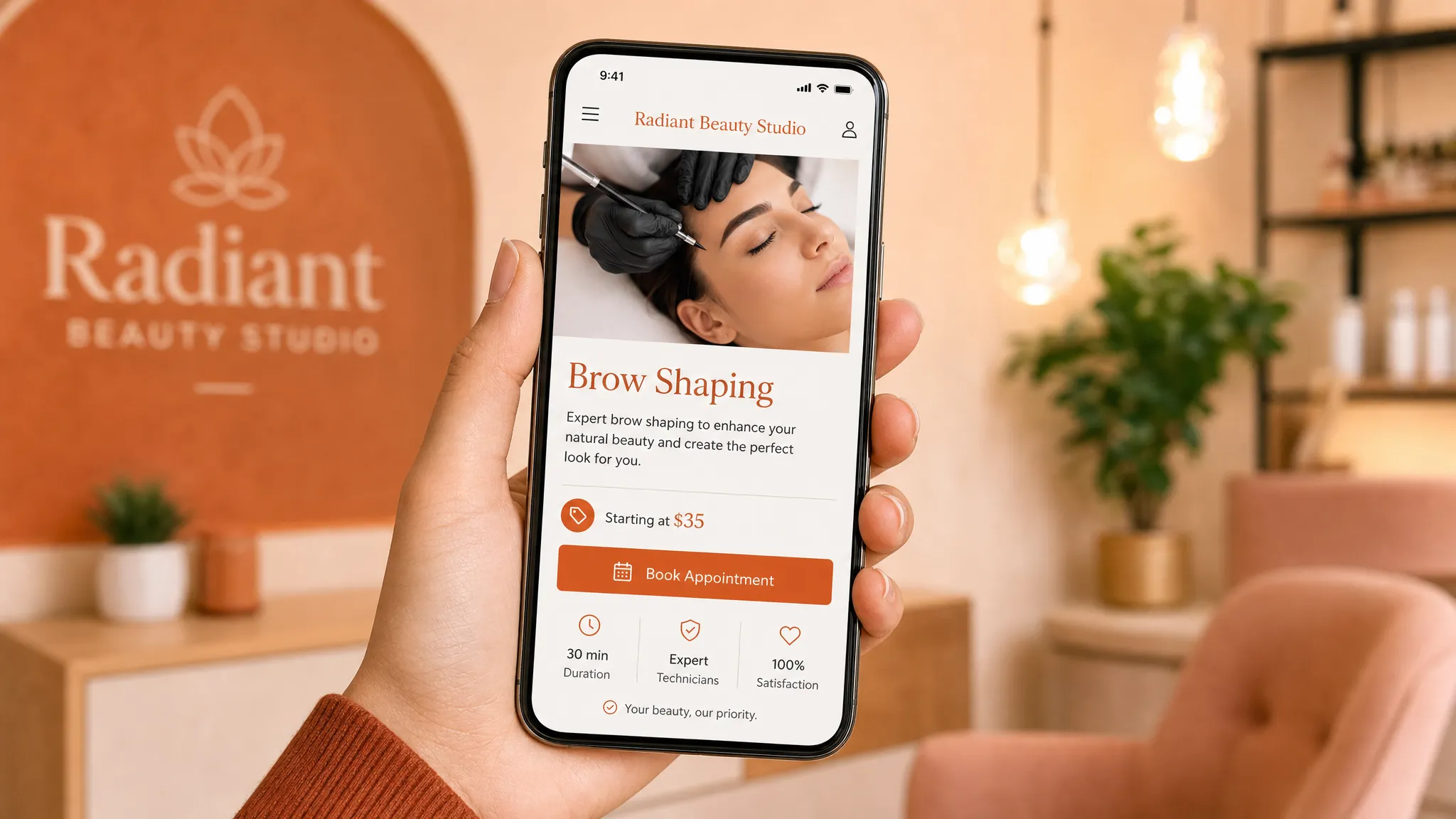
On mobile, the best layouts are simple and stacked. Put the most important information first. Keep buttons large enough to tap. Avoid long side-by-side sections that shrink awkwardly on a phone. If you have a lot of services, use clear headings so people can jump to the right part of the page.
One of the easiest mobile checks is to open your site on your own phone and try to book like a new client. Do not use memory. Pretend you have never seen the site before. Can you tell what the business does within a few seconds? Can you find the booking button without pinching or zooming? Can you understand the service choices?
If the answer is no, the layout needs to be simpler.
Put trust before the commitment
Booking can feel personal, especially for beauty, wellness, fitness, and body services. Clients want to know they will be comfortable, respected, and in good hands.
That means your layout should not wait until the very bottom to show trust. Place trust close to the points where someone is deciding whether to book.
Good trust sections can include real client reviews, photos of your space, a friendly photo of you or your team, years of experience, training, licenses where relevant, product lines you use, and clear notes about what first-time clients can expect.
You can also learn from how other service businesses organize their home pages. For example, a skincare studio homepage like Lumina Skin Sanctuary gives visitors clear paths to services, products, about, contact, and policies, while also showing treatments and testimonials. You do not need to copy another studio, but it helps to notice how trust and practical details can sit close together.
For Los Angeles businesses, trust also includes local details. If parking is tricky, say so kindly and clearly. If you are inside a suite, give the suite name or arrival instructions. If your studio is appointment-only, say that before someone shows up hoping to walk in.
Put local details where clients need them
Getting found on Google matters, but your website should also make sense to a real person trying to visit you.
Your layout should make these basics easy to find:
- City and neighborhood.
- Street address or service area.
- Parking or building entry notes.
- Hours or appointment availability notes.
- Contact method.
- Booking link.
- Cancellation and rescheduling policy.
Do not hide your location in a tiny footer if you serve local clients. A lash client searching from Los Feliz or a facial client in Studio City wants to know if you are close enough before they spend time reading every service.
Local wording can also make your page clearer. Instead of only saying luxury skincare studio, you might say custom facials in Sherman Oaks if that is true. Instead of only saying private training, you might say one-on-one personal training in Highland Park if that matches your business.
Clear location details help people decide faster. They also help your site feel more real.
Give each section room to breathe
A strong layout is not just about what goes on the page. It is also about what you leave out, how you group information, and how much space you give each section.
Think of your website like your studio. If the room feels packed, people feel rushed. If it is calm, clear, and easy to move through, people can settle in.
On the page, that means using short paragraphs, clear headings, and enough space between sections. Avoid putting reviews, service descriptions, photos, policies, and buttons all in one crowded block. Each section should have its own job.
This is especially helpful for beauty and wellness businesses because the feeling of the page matters. A cluttered layout can make a relaxing service feel stressful before the client ever visits.
When a one-page layout is enough
Not every small business needs a large website right away. A one-page website can work well if you have one main offer, a small service menu, or most of your traffic comes from Instagram, referrals, or your Google Business Profile.
A one-page layout may be enough if it includes the key details: who you help, what you offer, where you are, why clients trust you, and how to book. The page still needs strong sections. It just keeps them all in one smooth path.
A full site may make more sense if you have several service categories, multiple locations, a shop, classes, memberships, or detailed policies. It can also help when you want separate pages for different services, such as facials, waxing, lashes, brows, training, or bridal packages.
The right choice depends on how much your clients need to understand before they book.
Common website page layout mistakes and better fixes
Small layout changes can make a big difference in how easy your site feels. Here are a few common issues and cleaner ways to handle them.
| Layout mistake | Clearer fix | Why it helps |
|---|---|---|
| Booking button only appears once | Repeat it after key sections | Clients can book when they feel ready. |
| Services are listed in one long block | Group services by category | People can find the right option faster. |
| The top section is vague | Say what you do, who it is for, and where you are | New visitors understand the business quickly. |
| Reviews are hidden at the bottom | Add proof near services or booking areas | Trust shows up before the client has to decide. |
| Policies are hard to find | Place short policy notes near booking details | Clients know what to expect before they schedule. |
| Mobile page feels cramped | Stack sections and shorten copy | The page becomes easier to read and tap on a phone. |
You do not have to fix everything at once. Start with the booking path. If a new client can land on the page, understand the offer, trust the business, and book without asking you for basic details, your layout is already doing important work.
Frequently asked questions
What is the best website page layout for a local service business? The best layout starts with what you do, who it is for, and where you are. Then it shows services, trust, location details, policies, and a clear booking button. The order should match how a real client decides whether to book.
How many booking buttons should a page have? Most service pages need more than one booking button. Place one near the top, one after the main service details, and one near the bottom. The goal is not to pressure people. It is to make booking easy when they are ready.
Should I put prices on my website? If your prices are set, showing them can help clients choose faster. If pricing depends on the person, you can share starting prices, ranges, or explain that a consultation is needed. Clear pricing notes can prevent confusion before booking.
Do I need separate pages for every service? Not always. If your service menu is small, one clear page may work. If you offer very different services or want people to find specific services on Google, separate pages can make the site easier to understand.
What should be at the top of my booking page? Put the service name, a short description, who it is for, your location if it matters, and a clear booking button. Avoid starting with a long welcome message before people know what they can book.
Want a booking path that feels easier?
If your current website feels outdated, hard to use on mobile, or confusing for new clients, the layout may be doing too much in the wrong order.
Raine Archer builds warm booking pages, sales pages, and full sites for salons, solo pros, creators, and local service businesses. If you want a site that feels clear, calm, and easy to book from, you can start with Raine Archer’s website design services.