Service website design tips that turn visits into bookings
Service website design tips for local businesses that want more bookings, fewer confused visitors, and a smoother path from Google to calendar.
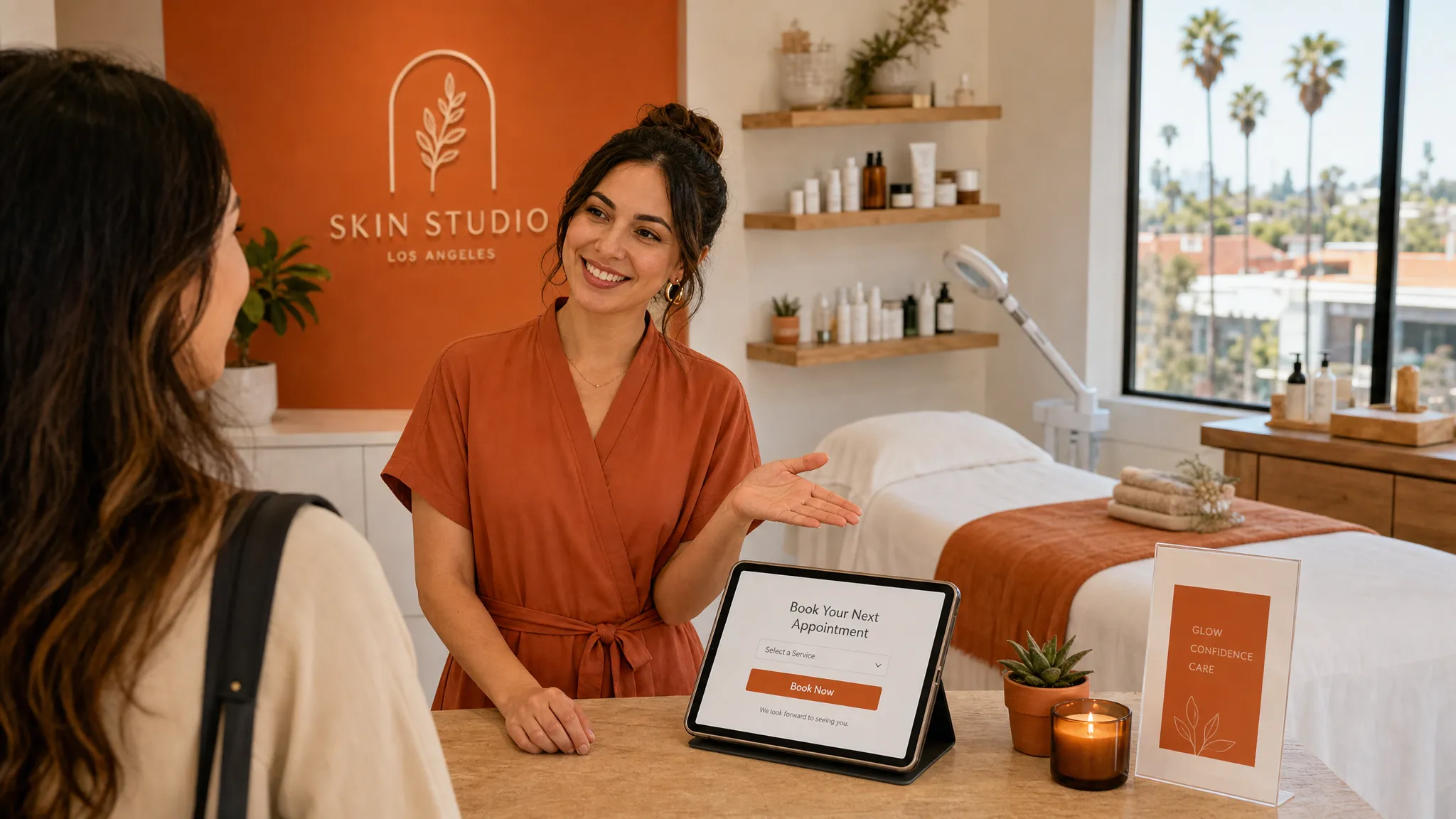
A good service website does not need to be fancy to work well. It needs to answer the questions a real person has before they book: “Is this for me?”, “Can I trust this business?”, “What happens next?”, and “How do I get on the calendar?”
That matters even more for local service businesses in Los Angeles. A new client might find you while sitting in their car, between errands, comparing three waxing studios near Silver Lake. Someone may be looking for a nail salon in Culver City during lunch. A personal training lead may check your site after seeing your Instagram, then forget if booking feels like work.
Strong service website design makes that moment easier. It helps visitors understand what you do, feel comfortable, and take the next step without hunting around.
Below are practical tips you can use whether you run a beauty studio, work solo as an esthetician, manage a small gym, or book any kind of local service online.
Start with the one thing visitors need to do
Most service business websites try to do too much at once. They ask people to read every service, follow on Instagram, join a list, browse a gallery, contact the owner, and book a consultation.
That can feel busy, especially on a phone.
Before you change colors, fonts, or photos, decide the main action your site should support. For most local service businesses, that action is booking an appointment. For higher-touch services, it may be requesting a consultation. For a new offer, it may be joining a waitlist or buying one service package.
Once you know the main action, your design gets simpler. Your buttons can use clear words like “book a facial,” “schedule a consult,” or “reserve your spot.” Your homepage can point people toward that step instead of making them guess.
If you have several services, you can still keep the path simple. For example, a waxing studio may guide visitors to “book a wax,” while the service menu helps them choose the exact appointment. A trainer may use “start with a consult,” then explain private training, small group training, and online coaching farther down the page.
For a deeper look at what a strong service site needs overall, Raine Archer’s guide to what great service website design needs to help visitors become clients is a helpful next read.
Put the booking button where people expect it
Your booking button should never be hidden. A visitor should not have to scroll through your whole homepage, open three menus, or search your Instagram bio to find it.
At minimum, place your main booking button in these spots:
- Near the top of the homepage, before a visitor has to scroll very far.
- In the main navigation, especially on mobile.
- After your service section, once someone understands what you offer.
- Near the bottom of the page, for visitors who read everything first.
On mobile, make sure the button is easy to tap. Tiny text links can be frustrating, especially when someone is trying to book quickly. If your website has a sticky header or footer, a simple booking link there can help, as long as it does not cover important content.
The words on the button matter too. “Submit” is vague. “Learn more” can be useful, but it is not always the best choice when someone is ready. Try direct button text that matches the action:
- Book an appointment
- Schedule a consultation
- View services
- Start here
- Request a quote
Plain beats clever. People book faster when they understand what will happen after they tap.
Make it clear who you help
A visitor wants to know if they are in the right place. This is especially true for personal services, where trust and comfort matter.
Instead of opening your homepage with a broad line like “Helping you feel your best,” say what you actually do and for whom. A clear first section might sound like:
“Gentle waxing and skincare for sensitive skin in Los Feliz.”
“Private strength training for beginners in West Hollywood.”
“Soft gel nails and detailed nail art in a calm Koreatown studio.”
These lines are not complicated, but they do a lot of work. They tell people the service, the vibe, and the location. They also help visitors decide quickly whether to keep reading.
If your work has a specialty, say it early. If you are great with first-time wax clients, acne-prone skin, bridal lashes, short nails, postpartum fitness, or busy professionals, make that visible. The right clients should feel like your site was written for them.
Show your location and service area clearly
For local businesses, location is not a small detail. It is often one of the first reasons someone chooses you.
Add your neighborhood or city near the top of your site, not only in the footer. If you serve clients in Los Angeles, be specific where it helps. “Los Angeles” is useful, but “Echo Park,” “Pasadena,” “Santa Monica,” “Studio City,” or “Downtown LA” may be closer to how people search and decide.
Your contact page or footer should also include the basics visitors need:
- Business name
- Neighborhood or address, if you see clients in person
- Service area, if you travel or work remotely
- Hours or booking availability notes
- Parking or arrival details, if they affect the appointment
For beauty studios and gyms, parking and arrival notes can reduce day-of stress. If your suite is inside a larger building, say so. If clients should arrive five minutes early, mention it. These small details help new clients feel more prepared and can lower the chance of late arrivals.
Write service details like a client is asking out loud
Your service menu should be easy to understand, even for someone who has never booked with you before.
Avoid only listing cute service names without details. “The Glow Up” may sound nice, but a new client still needs to know what it includes, who it is for, how long it takes, and what it costs. You can keep your branded names if you like them, but pair them with plain explanations.
A helpful service section usually answers:
| Client question | What your website should show |
|---|---|
| What is this service? | A short, plain description |
| Is it right for me? | Who it is best for and any important notes |
| How long does it take? | Appointment length or expected time range |
| What does it cost? | Starting price, full price, or clear quote process |
| How do I book it? | A direct button or booking link |
If your prices vary, you do not have to list every possible number. But avoid making people feel like they need to send a message just to understand whether they can afford you. “Starts at,” “packages begin at,” or “custom quote after consult” can be enough when true.
This is also where copywriting support can make a big difference. Clear service wording does not need to sound salesy. It just needs to help a real person choose with less stress.
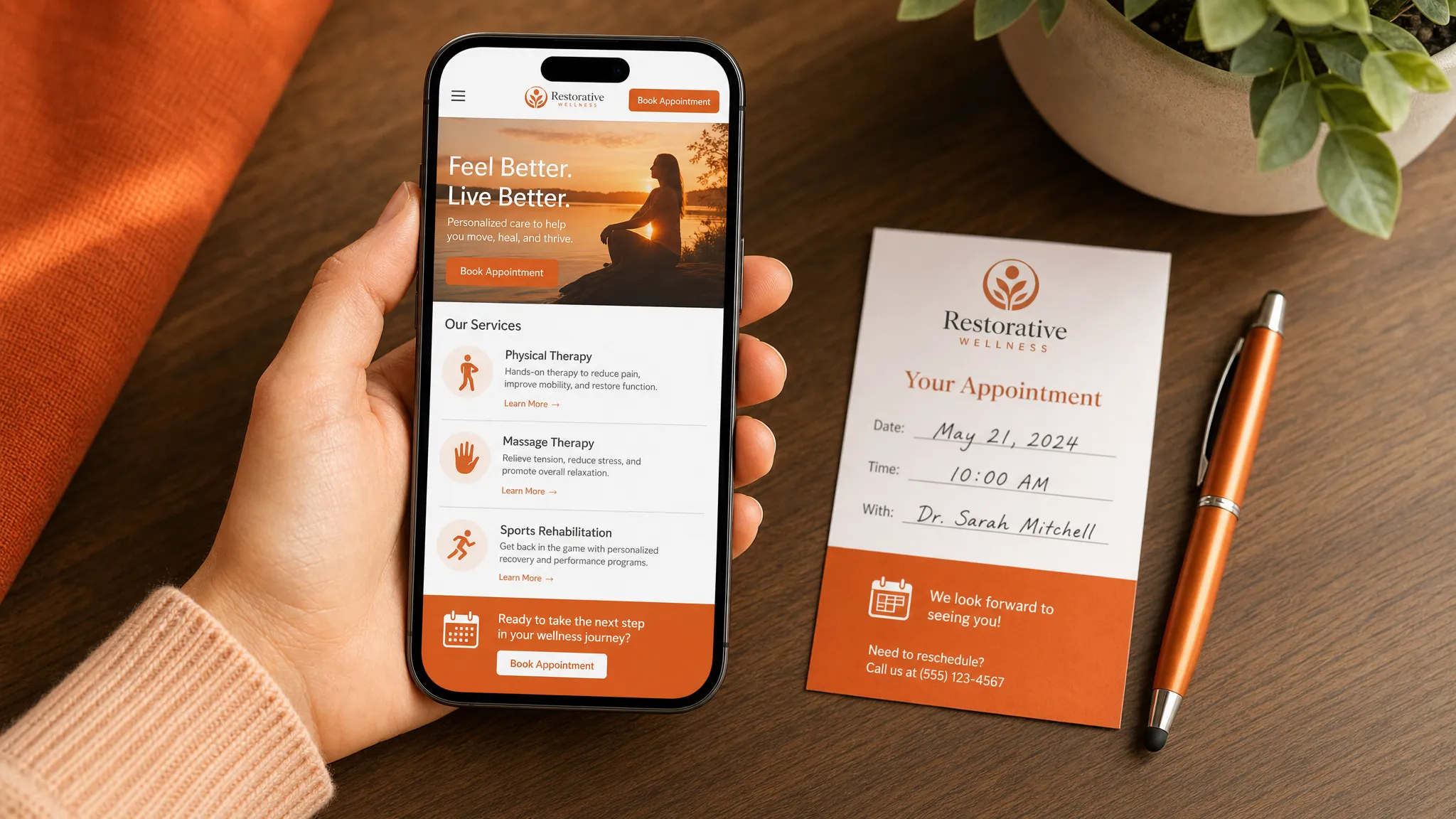
Build trust before asking for the booking
People book services with people they trust. A polished site helps, but trust often comes from simple proof.
Use real photos when you can. For a salon, spa, or studio, show the room, the chair, the treatment bed, the tools, and the feeling of the space. For a trainer, show the gym environment and what a session looks like. For a solo professional, a friendly photo of you can make the site feel more human.
Reviews are also important. Add a few short client comments near the service they relate to. If a review mentions “first Brazilian wax,” place it near waxing services. If someone says they felt comfortable coming back to the gym after years away, place it near personal training.
Trust can also come from policies and expectations. If you require deposits, have a cancellation window, or ask clients to come makeup-free for a skincare appointment, say it clearly before booking. Clear policies are not cold. They protect your time and help clients arrive prepared.
Make mobile feel like the main version, not an afterthought
Many local service visitors will see your website on a phone first. They may be coming from Google Maps, Instagram, Yelp, a referral text, or a QR code on a business card.
That means your mobile site has to feel smooth. If the mobile version is hard to use, the desktop version will not save it.
Check these details on your actual phone:
- Can you read the text without pinching?
- Is the booking button visible and easy to tap?
- Do photos load quickly enough?
- Is the menu simple?
- Does the booking form fit the screen?
- Are service descriptions short enough to scan?
A mobile-first design does not mean your site should be bare. It means the most important information should show up in the right order, with enough breathing room, so someone can move from “I’m interested” to “I’m booked” without frustration.
Keep the path from website to calendar short
Every extra step gives a busy person a chance to drop off. If someone has to fill out a long form, wait for a reply, answer questions you could have handled on the site, then find your booking link later, you may lose them.
For many service businesses, a shorter path works better:
Visitor lands on your site. They understand the service. They see the price or starting point. They tap the booking button. They choose a time. They receive the details they need.
If your work requires a consultation first, the path can still be clear. Tell visitors why the consult matters, how long it takes, whether it is free or paid, and what happens after.
The goal is not to rush people. It is to remove avoidable confusion.
If you are building around one offer instead of a full website, this guide to service landing page design that makes booking feel easy explains how a focused one-page layout can help.
Choose tools that do not make your site harder to use
Booking tools, payment links, contact forms, email lists, and review widgets can all be helpful. But too many tools can make a simple website feel messy.
Before adding a new tool, ask whether it helps clients book, understand your services, or trust your business. If it does not, you may not need it on your site.
For example, an online booking calendar is often worth it if you take appointments. A review section can be useful if it looks clean and loads reliably. A pop-up may not be worth it if it blocks the booking button on mobile.
If you are comparing scheduling apps, form builders, cloud storage, or other small online tools, plain-language resources like Online Tool Guides can help you understand what different tools do before you add them to your website.
When in doubt, keep the site simple. A clean booking path is usually better than a page full of widgets.
Help people find you on Google
A beautiful website is not enough if people cannot find it. Light SEO setup helps your pages make sense to search engines and real people.
For a local service business, that starts with clear page titles, service names, and location wording. If you offer lash lifts in West Hollywood, those words should appear naturally on the page. If you are a personal trainer in Los Angeles, your site should say that in plain language.
You can also create separate pages for important services when it makes sense. A skincare studio might have one page for facials, one for acne treatments, and one for waxing. A gym might have pages for personal training, small group training, and nutrition coaching if those are real services you offer.
Do not force city names into every sentence. Write naturally. Google is not the only reader. Your future client is the one deciding whether to book.
Remove small reasons people hesitate
Sometimes visitors do not book because of one small unanswered question. They may wonder whether you take new clients, whether your studio is private, whether you work with beginners, whether there is parking, or whether they need to pay upfront.
Look at your site like a first-time client. What might make them pause?
Common hesitation points include unclear prices, no photos of the space, no location details, hidden policies, vague service descriptions, and a contact form with no expected reply time.
You can fix many of these with short, friendly notes. “New clients welcome.” “Private studio by appointment only.” “Street parking is usually available on nearby blocks.” “Please allow 24 to 48 hours for replies.” Only write what is true for your business.
These details may seem small, but they make the experience feel cared for.
Keep your website updated after launch
A website is not something you set up once and ignore for years. Service businesses change. Prices shift, hours change, new services are added, photos get old, and policies need updates.
An outdated site can create confusion. If your website says you offer a service you no longer take, clients may book the wrong thing. If your old hours are listed, people may call or show up at the wrong time. If your booking link breaks, you may lose appointments without knowing it.
Plan a simple monthly check. Open your site on your phone and review the homepage, services, booking link, contact details, and footer. Make sure everything still feels current.
This is where a website care plan can help. Ongoing care keeps the site updated, secure, and working after launch, especially for busy owners who do not want to think about the tech side every week.
Frequently asked questions
What is service website design? Service website design is the layout, writing, and setup of a website for a business that sells appointments, consultations, packages, or local services. The goal is to help visitors understand the service and take the next step, usually booking or reaching out.
Do I need a full website or just a booking page? It depends on what clients need before they book. If you offer one main service or one clear package, a focused booking page may be enough. If you have several services, a team, location details, policies, and client education, a full website may work better.
Should I list prices on my service website? In most cases, yes, at least as a starting point or range. Clear pricing helps people decide if your service is a fit and can reduce back-and-forth messages. If your pricing is custom, explain how quotes work.
How often should I update my service website? Review your site at least once a month and any time your prices, hours, services, location, or booking process changes. A current site helps clients trust that the rest of the business is cared for too.
What should be on a booking page? A booking page should include the service name, who it is for, what is included, price or starting price, appointment length, location or format, important policies, and a clear booking button.
Ready for a website that helps clients book?
If your site feels outdated, hard to use on mobile, or too confusing for new clients, you do not have to rebuild it alone.
Raine Archer designs warm booking pages, sales pages, and full websites for small service businesses in Los Angeles, including salons, solo pros, creators, and local studios. If you have one offer to promote, a focused Los Angeles landing page design may be a good fit. If you need a fuller site, you can start with the basics: clear services, easy booking, mobile-friendly pages, and support after launch.