Web design Los Angeles tips for service businesses
Web design Los Angeles tips for service businesses that want more bookings, clearer pages, better mobile flow, and stronger local trust.
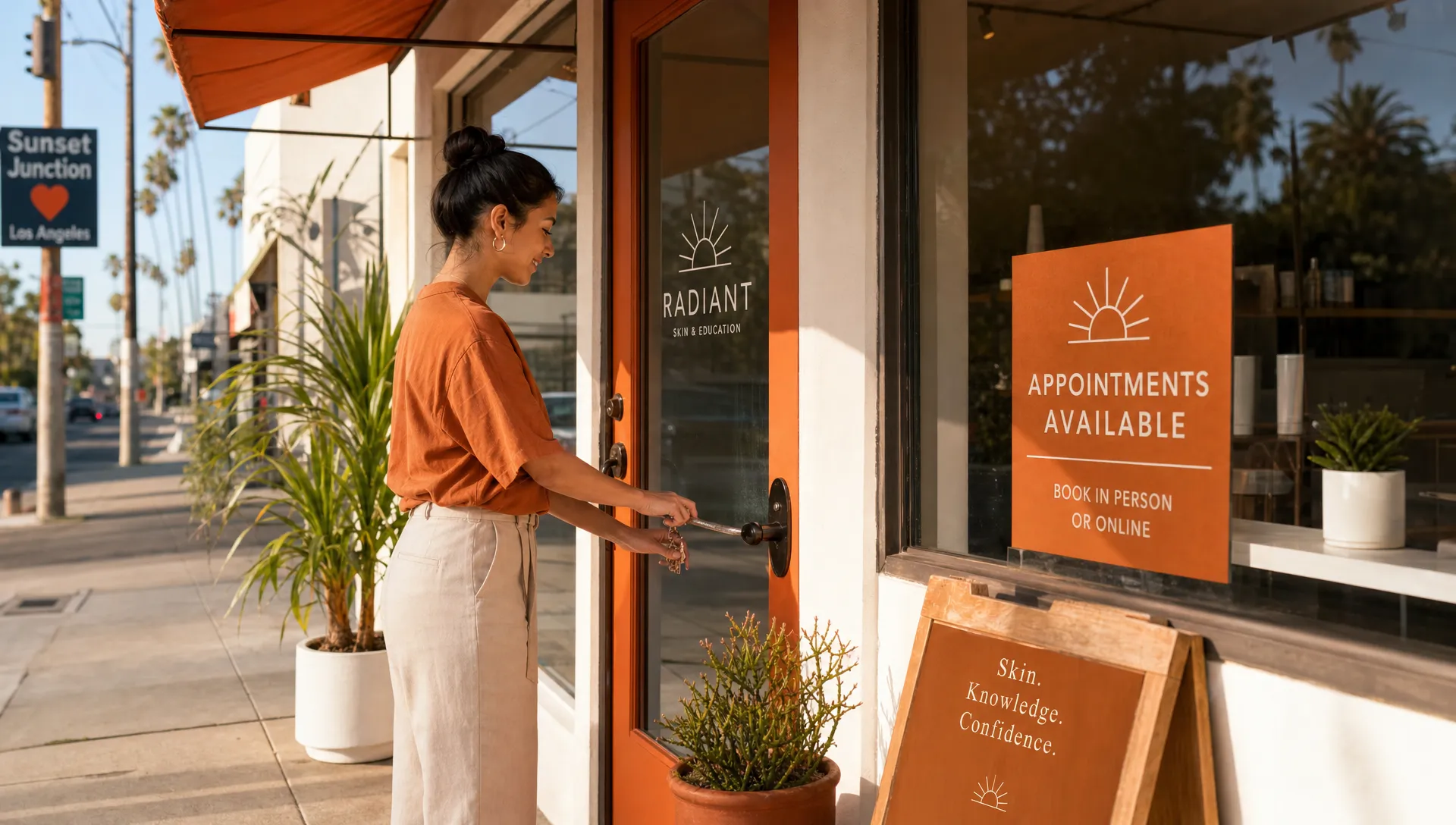
If you run a service business here and you are looking for web design Los Angeles advice, the best tips are not about trendy effects or fancy pages. They are about helping a real person feel sure enough to book.
Your next client may be checking your site from a parked car in Silver Lake, between appointments in West Hollywood, or from the couch after a long day in the Valley. They want quick answers: What do you do? Are you close enough? Can I trust you? How do I book?
A good service business website should make those answers easy to find, especially for salons, estheticians, lash artists, trainers, wellness studios, and other local businesses that depend on appointments.
Why Los Angeles service businesses need a practical website
Los Angeles clients have choices. A waxing studio in Echo Park, a nail salon in Culver City, a personal trainer in Koreatown, and a facial studio in Pasadena are not just competing on services. They are also competing on ease.
If your website feels confusing, slow, outdated, or hard to use on a phone, people may not stick around. That does not mean they disliked your work. It may simply mean they could not find the booking button, your service list was unclear, or they were not sure whether your studio was close enough.
For local service businesses, web design should support the real booking moment. It should show your style, yes, but it should also remove small doubts that keep people from choosing a time.
Make the first screen answer the big questions
The top of your homepage has one job: help visitors know they are in the right place.
Before someone scrolls, they should be able to understand what you offer, where you are located, and what to do next. This matters even more for local businesses because location is part of the decision. “Luxury facials in Los Angeles” is clearer than “Glow from within.” “Private training in Highland Park” is clearer than “Your next level starts here.”
A strong first screen usually includes a plain headline, one short sentence, and a visible booking button. You do not need to explain everything at once. You just need to make the next step obvious.
For example, a skincare studio might say: “Custom facials and brow services in West Hollywood.” Under that, a short line could add: “Quiet, one-on-one appointments for sensitive skin, acne care, and everyday maintenance.” The button can simply say “Book an appointment.”
That is warm, clear, and useful. It also helps the right person decide quickly.
Build each page around one main next step
A common mistake is asking visitors to do too many things at once. Book now, join the email list, follow on Instagram, read the blog, view every service, download something, send a question. When everything is important, nothing feels easy.
For most service businesses, the main action is booking an appointment or sending an inquiry. Your page should gently lead people toward that action from top to bottom.
This does not mean every button must say the exact same thing. It means the page should have a clear path. A new client might first read about your service, check pricing, look at photos, read a review, and then book. Your layout should support that natural order.
If your pages feel scattered, this guide on website page layout tips for clearer paths to booking goes deeper into arranging sections so visitors know what to do next.
Make booking easy on a phone
Many local clients will visit your site from a phone. That means your website should feel easy to tap, read, and move through without pinching the screen or hunting through tiny menus.
A phone-friendly booking path usually means short sections, clear buttons, readable text, and no unnecessary steps before the booking link. If you use a booking tool, make sure it opens cleanly on mobile and does not ask for more information than you truly need.
Also check the small things. Is the booking button visible after someone reads a service description? Is your menu easy to open? Is your address tappable? Does your phone number work when someone taps it? Can someone find your cancellation policy before they commit?
These details may seem small, but they are often the difference between “I’ll book later” and “I found a time.”
Show the details clients use to decide
Pretty photos help, but details help people book. A potential client may love your style and still hesitate if they cannot find the basics.
For a Los Angeles service business, your website should answer practical questions without making people message you for every little thing. You do not have to share every detail of your business, but you should share enough to reduce worry.
| What your client is wondering | What your website can show |
|---|---|
| Are you close enough for me? | Neighborhood, service area, parking notes, nearby cross streets, or a simple map section |
| Do you offer the service I need? | Clear service names, short descriptions, and who each service is best for |
| What will it cost? | Starting prices, price ranges, or a note explaining when pricing is custom |
| How long will it take? | Appointment length or a general time range |
| What happens after I book? | Confirmation details, deposit notes, cancellation policy, and prep instructions |
| Can I trust you? | Real reviews, client photos when appropriate, experience, credentials you already have, and safety notes |
This is especially helpful for higher-trust services like waxing, skincare, bodywork, training, hair, nails, and lashes. People want to feel safe before they walk in.
Add local trust, not just pretty design
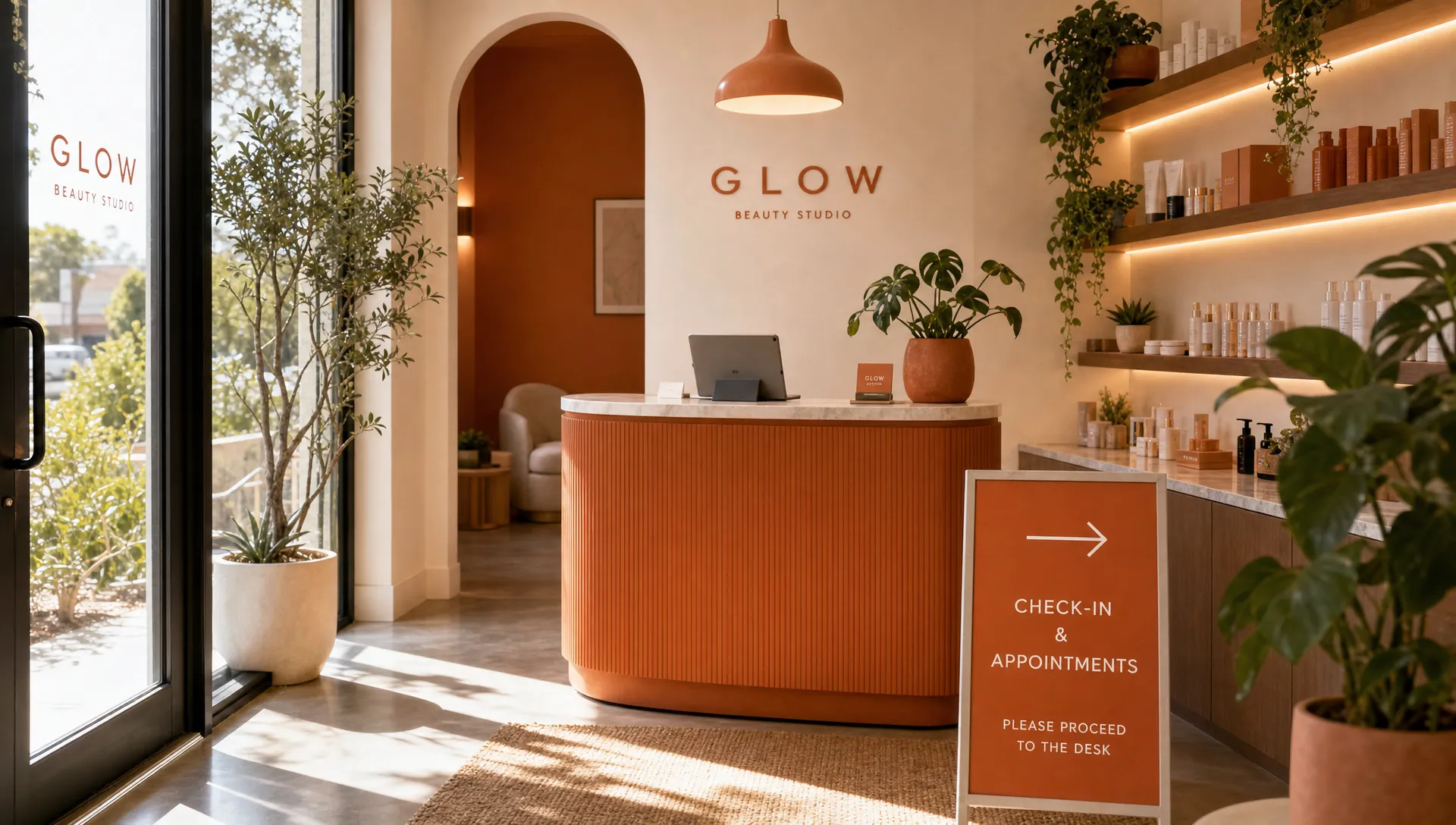
Trust looks different for local service businesses than it does for big brands. You do not need a huge website to feel credible. You need proof that you are real, active, and easy to work with.
Use real photos when you can. A polished brand shoot is lovely, but a clean photo of your treatment room, your studio entrance, or your actual work can be just as helpful. If your building is hard to find, include a short note about where to park or what entrance to use.
Reviews also matter. Place a few strong client quotes near the services they support. A review about a gentle Brazilian wax belongs near waxing services. A review about a trainer making workouts less intimidating belongs near training packages. This helps people connect the proof to the decision they are making.
Los Angeles is spread out, so location trust matters too. If you serve clients in Santa Monica, downtown Los Angeles, Glendale, Burbank, Long Beach, or anywhere else, be clear. Do not stuff every neighborhood onto the page. Just write naturally about where you are based and who you serve.
Write website copy that sounds like you
Your website copy does not need to sound like a corporate brochure. In fact, for many small service businesses, that can make the site feel colder.
Use words your clients would actually say. “Book your first facial” is easier than “begin your skin transformation.” “New client Brazilian wax” is clearer than “signature intimate service.” “Train twice a week in a private gym” is more helpful than “achieve peak performance.”
If you use tools to draft your copy, treat the draft as a starting point, not the final voice of your business. Resources about artificial intelligence writing detection can be useful if you want to understand why generic computer-written text may feel off, but your final website should still be checked by a real person for accuracy, warmth, and local details.
The best copy sounds like a calm version of what you would say to a good client. It explains the service, sets expectations, and makes booking feel simple.
Help Google understand your business
A service business website should be easy for people to understand, and it should also be clear enough for Google to understand.
You do not need to turn your pages into awkward keyword lists. You do need the basics: your service, your location, your business name, and clear page titles. If you are a lash artist in Los Angeles, say that. If you are a personal trainer in Pasadena, say that. If you offer sugaring, acne facials, gel manicures, spray tans, or private fitness sessions, name those services clearly.
Your contact page should include your location or service area, your hours if you keep regular hours, and the best way to book. If you have a Google Business Profile, keep the website link, hours, photos, and services current there too.
For service businesses with one main offer, such as a new client package, event makeup booking, seasonal facial, or launch special, a service landing page can make booking feel easier because everything on the page supports that one choice.
Plan for slow weeks and seasonal changes
Your website should not only work on launch day. It should stay useful through slow weeks, busy seasons, price changes, new offers, and policy updates.
Many Los Angeles service businesses have natural shifts. A waxing studio may get busier before summer and holidays. A trainer may see more interest in January or before wedding season. A skincare studio may promote peels, acne care, or event prep at different times of year.
Your website should make it easy to update featured services, booking notes, seasonal specials, and client instructions. If your site still talks about an old promotion from two years ago, it can make your business look less active than it really is.
A simple monthly check can help. Look at your homepage, service page, booking link, prices, hours, photos, and contact details. If anything is outdated, fix it before a client has to ask.
A simple website checkup for this week
You do not have to redo your whole website at once. Start with the parts that affect booking the most.
- Open your website on your phone and try to book as if you were a new client.
- Read your homepage out loud and ask whether it says what you do and where you are.
- Check that every main page has a visible booking button.
- Make sure your services have clear names, starting prices or helpful pricing notes, and appointment lengths when possible.
- Update old photos, old policies, old hours, and old promotions.
- Ask one trusted client where they would click first, then listen without explaining.
If you find a lot that needs work, that is not a failure. It just means your business has outgrown the site you built before.
Frequently asked questions
What should a Los Angeles service business website include? It should include what you offer, where you are located or who you serve, service details, pricing guidance, reviews, real photos, policies, contact information, and a clear way to book.
How often should I update my service business website? A quick monthly check is a good habit. Update your site sooner if your prices, hours, booking link, policies, location, or main services change.
Do I need a full website or just a landing page? It depends on how many services you offer. A single offer, launch, or package may only need one focused page. A business with several services, team members, or lots of client questions usually benefits from a fuller site.
What makes web design in Los Angeles different for local service businesses? Location, traffic, parking, neighborhood fit, and mobile booking all matter. People often choose the business that feels close, trustworthy, and easy to book.
Can I use a website builder myself? Yes, if you have the time and feel comfortable making decisions about layout, copy, mobile design, and booking flow. If your site is costing you time or causing client confusion, hiring help may be worth it.
Need a website that helps more clients book?
If your current site feels outdated, hard to update, or not clear enough for new clients, you do not have to figure it out alone. Raine Archer designs warm websites for small service businesses in Los Angeles, including booking pages, sales pages, and full sites.
A clearer website can help people understand your services faster, feel more confident, and book without sending extra back-and-forth messages. And for a local business, that kind of ease matters.