How to choose a website builder in Los Angeles
Choosing a website builder in Los Angeles? Learn what to ask, what to avoid, and how to pick help that brings more local bookings.

If your website is hard to update, awkward on phones, or not bringing in bookings, choosing someone new can feel overwhelming. You may not know whether you need a DIY platform, a designer, a studio, or a full agency. You just know your clients should be able to find you, trust you, and book without sending five extra texts.
If you searched for a “website builder Los Angeles” because your current site is not doing its job, this guide will help you make a grounded choice. It is written for local service business owners, especially salons, skincare studios, trainers, beauty pros, wellness providers, and solo professionals who need a clear path to more appointments.
Start with what your website needs to do
Before you compare builders, platforms, or designers, get clear on the job of your website. A pretty site is nice, but a useful site answers real client questions quickly.
For most Los Angeles service businesses, the website needs to help people do a few simple things:
- Understand what you offer and who it is for
- See your location, service area, or whether you work online
- Check prices, service details, policies, and availability
- Trust you enough to book or reach out
- Find you through Google, Instagram, referrals, or maps
A waxing studio in Silver Lake may need a simple booking page with services, policies, parking notes, and a strong book button. A personal trainer in West Hollywood may need a full site with services, client stories, location details, and a consult request form. A nail artist with a waitlist may need a page that explains deposits, reschedules, and how to book special sets.
The right website builder is the one who can shape the site around that real-life job. If you are not sure what your site should focus on first, this guide to service website design tips that turn visits into bookings is a helpful place to start.
Know what “website builder” can mean
People use the phrase website builder in a few different ways. Sometimes they mean a DIY tool like Squarespace, Wix, or Shopify. Sometimes they mean a person who builds websites. Sometimes they mean a larger team.
Here is the plain version:
| Type of help | Best for | What to watch for |
|---|---|---|
| DIY website platform | Very small budgets, simple updates, business owners who have time to learn | You still have to write the words, choose the layout, connect tools, and keep it tidy |
| Template setup | A faster, lower-lift site when your needs are simple | The design may not fully fit your services, booking flow, or local search needs |
| Solo designer or small studio | Local service businesses that need a polished site without a large team | Check what is included, such as copy help, mobile design, launch support, and updates |
| Web agency | Larger projects with brand strategy, ads, custom development, or many moving parts | It may be more than you need for a booking page or small service website |
There is no single “best” option for everyone. A newer lash tech may be fine starting with a clean one-page site. A busy med spa with multiple providers, service categories, and ongoing content needs may need a larger build.
The key is not to pick the fanciest option. Pick the level of help that matches your business now, your budget, and the amount of time you can realistically give to the project.
Look for someone who understands local service businesses
A website for a local service business is different from a portfolio site or an online shop. Your clients are usually trying to make a quick decision. They may be on their phone between errands, comparing you with two other studios, or checking whether they can book after work.
A good Los Angeles website builder should understand details like:
- Mobile visitors who want to book fast
- Neighborhood searches, such as “esthetician in Echo Park” or “personal trainer in Culver City”
- Parking, studio access, cancellation policies, and deposit rules
- The importance of reviews, photos, and clear service descriptions
- The way Instagram, Google, and referrals all feed into your booking page
This matters because your website is not just a digital flyer. It is part of your client experience. If someone has to hunt for your booking link, zoom in on your service menu, or wonder if you are still taking clients, they may leave and book somewhere else.
Review their work like a client would
When you look at a builder’s past websites, do not only ask, “Is this pretty?” Ask, “Would I know what to do next?”
Open the site on your phone. Look at the first screen. Can you tell what the business offers, where it is, and how to book? Are the buttons easy to tap? Is the service menu clear? Do the photos feel current? Does the writing sound like a real person, or does it feel stiff and generic?
For a salon, studio, gym, or solo service provider, the best websites usually feel easy. They do not make visitors work hard. They answer the questions clients already have in their heads, such as:
- What service should I choose?
- How much does it cost?
- Where are you located?
- Can I book online?
- What happens if I need to reschedule?
- Do you work with clients like me?
If a builder’s work looks stylish but you cannot find the booking button, that is a problem. Design should make the next step feel obvious.
Ask what is included before you compare prices
Website quotes can be confusing because two people may use the same words but include very different things. One “website build” may include copy help, mobile layout, launch support, and search basics. Another may only include page design after you provide every word, image, and login.
Before you choose, ask what is included in writing.
| Project detail | Why it matters |
|---|---|
| Page count | A one-page booking site and a five-page service site are different projects |
| Copywriting support | Many business owners need help explaining services clearly |
| Mobile design | Most local clients will check your site from a phone |
| Booking tool setup or connection | Your site should send people to the right place to book |
| Search basics | Page titles, headings, and local wording help Google understand your business |
| Hosting and domain help | You need to know where the site lives and who owns the logins |
| Launch support | Small details can come up when a site goes live |
| After-launch updates | Your prices, hours, services, and policies will change over time |
A lower price is not always bad. A higher price is not always better. The important thing is knowing what you are actually getting. If you are trying to understand the budget side, this breakdown of website prices in 2026 for small businesses explains why quotes can look so different.
Make the booking path the center of the project
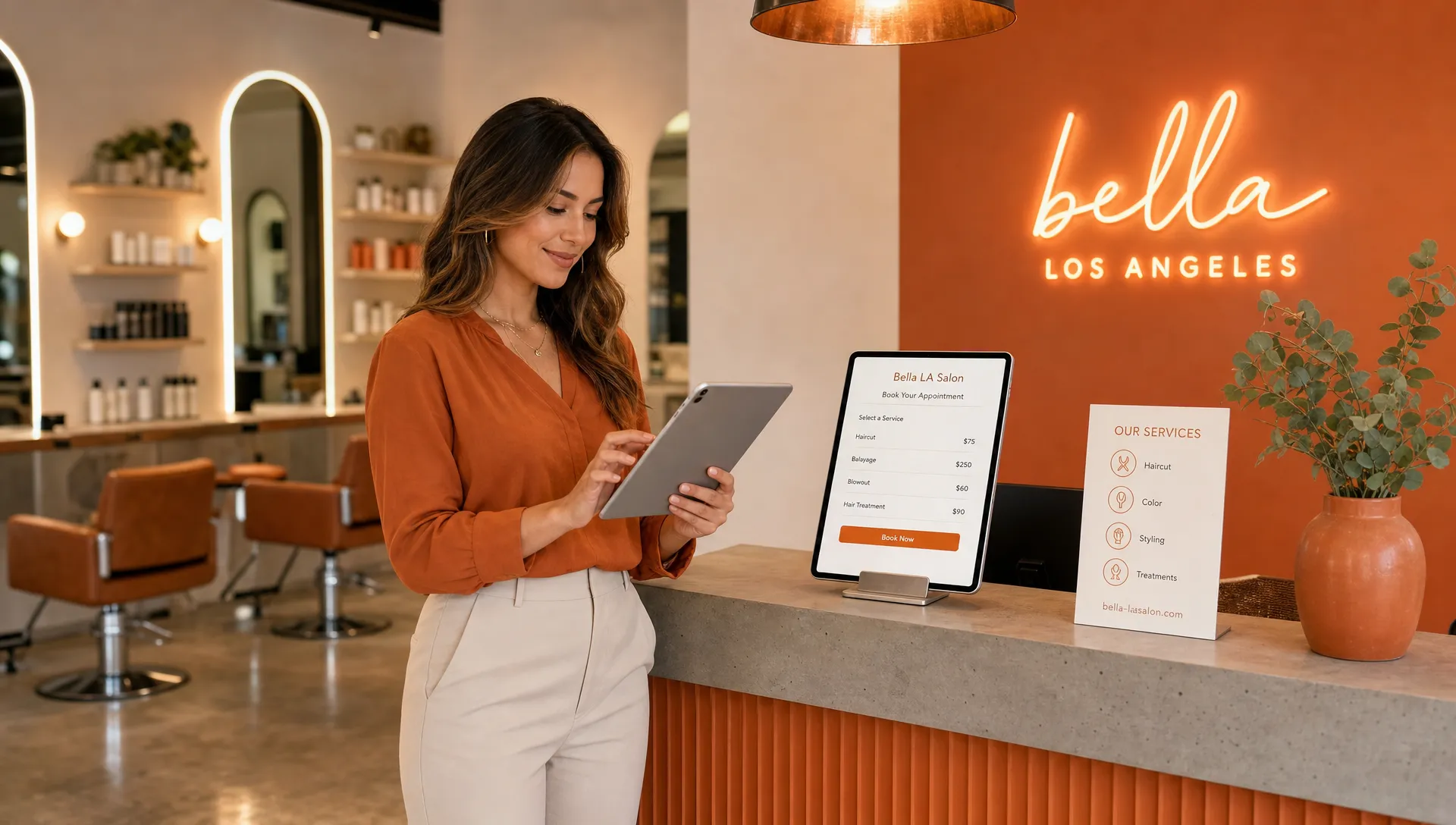
For many local businesses, the booking path is the most important part of the website. It should not be hidden in a tiny menu link or buried at the bottom of a long page.
A strong booking path usually includes a clear button near the top of the page, service descriptions that help clients choose, and simple policy details before someone books. If you use an outside booking tool, the website should point to it clearly. If people need to request a consult first, the form should be short and easy to understand.
This is especially important during slow weeks. When someone lands on your site from Google or Instagram, you do not want them thinking, “I’ll come back later.” You want the next step to feel simple right now.
No website can stop every no-show, but clear policies, deposit notes, appointment instructions, and location details can reduce confusion. A client who knows where to park, how to reschedule, and what service to pick is more likely to show up prepared.
Be realistic about getting found on Google
A website can help you get found, but no honest builder should promise you the number one spot on Google. Local search depends on many things, including your website, your Google Business Profile, your reviews, your location, and how closely your pages match what people are searching for.
What a good website builder can do is set up the basics properly. That may include clear page titles, plain service wording, local neighborhood language where it fits, contact details, and pages that load well on phones.
For example, a skincare studio in Los Angeles should not have a homepage that only says “glow starts here.” That may sound nice, but it does not tell Google or clients much. A clearer version might mention facials, waxing, brows, or the neighborhood served. The wording should still sound like you, but it also needs to be specific.
Also, know the difference between a website builder and a marketing manager. A builder can create the site and set up the basics. If you also need ongoing ads, email campaigns, or day-to-day marketing help after the site is live, it may make sense to work with a separate partner that offers managed campaign and digital marketing support.
Choose the right size project
You do not always need a full website. Sometimes a smaller project is the smarter move, especially if you are trying to get booked quickly or clean up a messy online presence.
| Business situation | A good fit might be |
|---|---|
| You only need people to book one main service | A focused booking page |
| You are launching a new offer, class, or event | A one-page sales page |
| You have several services, providers, or locations | A full website |
| Your site works but feels outdated | A refresh or rebuild |
| You are still figuring out your services | A simple starter site that can grow later |
For many solo pros, a clear booking page can do more than a large site with too many choices. For a more established business, a full site may help explain services, show trust, and support local search.
A good builder should be willing to tell you what you need and what you do not need yet. If someone pushes the biggest package before understanding your business, slow down.
Watch for red flags
Most website projects go better when expectations are clear from the beginning. If something feels vague during the sales call, it may feel even more confusing later.
Be careful if you notice any of these signs:
- They promise first-page Google rankings without explaining the work involved
- They cannot explain what is included in plain language
- They do not talk about mobile design
- They avoid questions about who owns the domain, hosting, or website account
- Their past sites look nice but have no clear booking path
- They need all content from you but offer no guidance
- They disappear after launch and offer no update plan
Trust your gut here. You are not being difficult by asking questions. Your website is one of the main ways people decide whether to book with you.
Look for good signs too
The right website builder should make you feel calmer, not more confused. They should ask about your services, clients, schedule, booking process, and goals before talking too much about colors or layouts.
Good signs include clear pricing, a simple process, realistic timelines, examples of similar work, and honest answers about what they do and do not handle. It also helps if they understand how small business owners actually work. You may not have a folder of perfect photos, polished copy, and a full brand guide ready to go. A good builder can guide you through what is needed without making the project feel heavier than it has to be.
You should leave the first conversation understanding the next step. If you hang up feeling more lost than before, that may not be the right fit.
Frequently asked questions
How much does a website builder in Los Angeles cost? It depends on the type of help, page count, copy support, booking setup, and after-launch care. A DIY site usually costs less upfront but takes more of your time. A custom site usually costs more because planning, writing, design, setup, and launch support may be included.
Should I use a DIY website builder or hire someone? Use a DIY builder if your budget is tight and you have time to learn, write, design, and troubleshoot. Hire someone if your site needs to look polished, connect to bookings, explain services clearly, or launch faster.
Do I need a full website or just a booking page? If you have one main offer and clients mostly need to book, a booking page may be enough. If you have several services, need to build trust, want to show up for local searches, or need more detail, a full website may be a better fit.
Can a website builder help me show up on Google? A good builder can set up the basics, such as clear page titles, local wording, service details, and mobile-friendly pages. They should not guarantee a specific Google ranking.
What should I prepare before hiring a website builder? Gather your service list, prices, policies, booking link, location details, best photos, client reviews, and examples of websites you like. You do not need everything perfect, but having the basics ready helps the project move smoothly.
Ready for a website that helps people book?
Choosing a website builder in Los Angeles does not have to feel technical or stressful. Start with what your clients need, ask what is included, check the booking path, and choose someone who understands local service businesses.
If you need a warm booking page, sales page, or full site for your salon, studio, solo service, or small business, Raine Archer builds clear websites with starting prices, fast turnaround, and care plans for updates after launch.